New subscriber 🇩🇪now
Orbitly
Plus yearly · $39.99
Tivro for RevenueCat
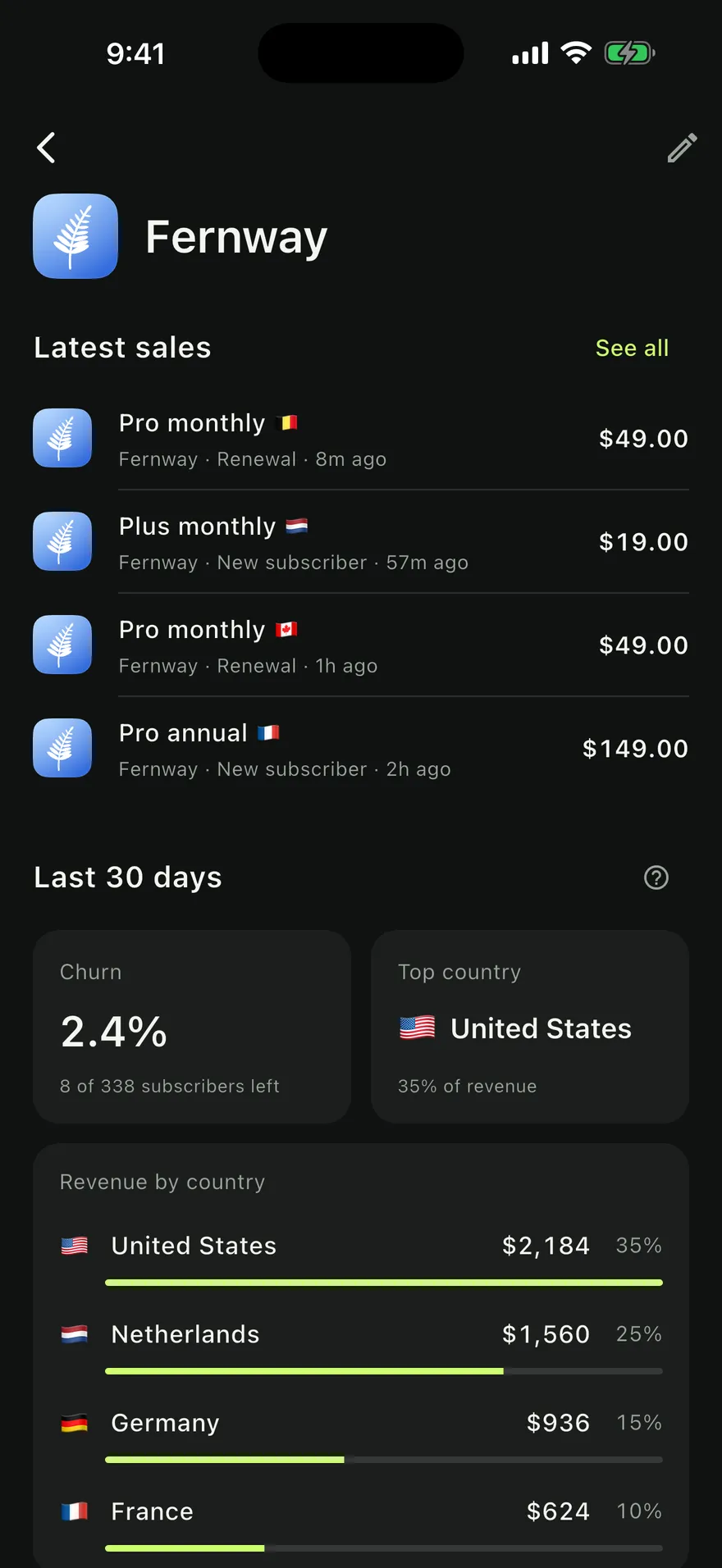
Sign in with RevenueCat, pick your projects, and Tivro taps your iPhone and Apple Watch for every new subscriber, trial, renewal, purchase and refund in your apps, on any store. Your MRR and churn come along, on your Lock Screen and your watch face.

Free download. Explore with sample data, then 14 days free.
Or scan with your
iPhone’s camera

How it works
In Tivro, tap Add a business › RevenueCat and sign in. A secret API key (v2) works too.
Each project becomes a business, with its App Store icon. Tivro adds its webhook to each one.
Every new subscriber, trial, renewal and refund taps your iPhone and Apple Watch.
What you get
Within seconds: Tivro adds a webhook to each project, and RevenueCat sends it every event. Connecting brings in past sales, plus MRR, revenue and churn for the last 90 days, from your project’s charts.
New subscriber 🇩🇪
$39.99
Orbitly · Plus yearly
What Tivro reads
Tivro asks RevenueCat for the least it needs to show a sale, and nothing that could move money, change prices or reach your customers.
What Tivro writes. Tivro adds one webhook to each project you pick, so sales arrive within seconds. Disconnecting removes it.
Tivro never keeps your customers’ names, email addresses or payment details. Access keys and tokens are stored encrypted and only used to read your sales. Privacy policy
Questions
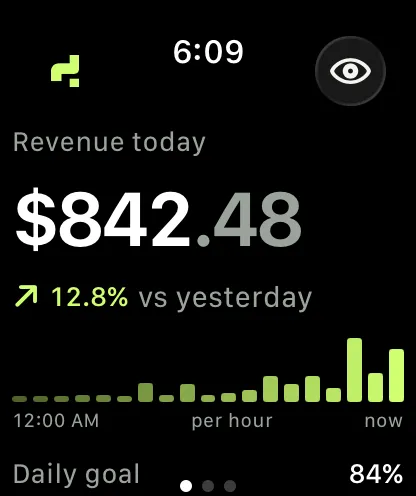
Yes. Tivro brings your RevenueCat projects to Apple Watch: an alert on your wrist for every sale, a watch app with today’s revenue and MRR for each app, and complications for your watch face.
Tivro’s widgets show today’s revenue and MRR from your RevenueCat projects on your Home Screen, your Lock Screen and in StandBy. Each widget can hide its amounts.
Connect RevenueCat in Tivro. Tivro adds a webhook to your project, RevenueCat sends it each event, and new subscribers, trials, renewals and refunds each tap your iPhone and Apple Watch with their own sound and feel.
Not by default. Turn on Include RevenueCat sandbox in Tivro’s Settings to count sandbox purchases too.
No. A web purchase that RevenueCat also reports from Stripe, Paddle, Polar or Mollie is counted once, in your MRR, your revenue and your alerts.

Tivro for iPhone and Apple Watch.
Free download. Explore with sample data, then 14 days free.
Or scan with your
iPhone’s camera