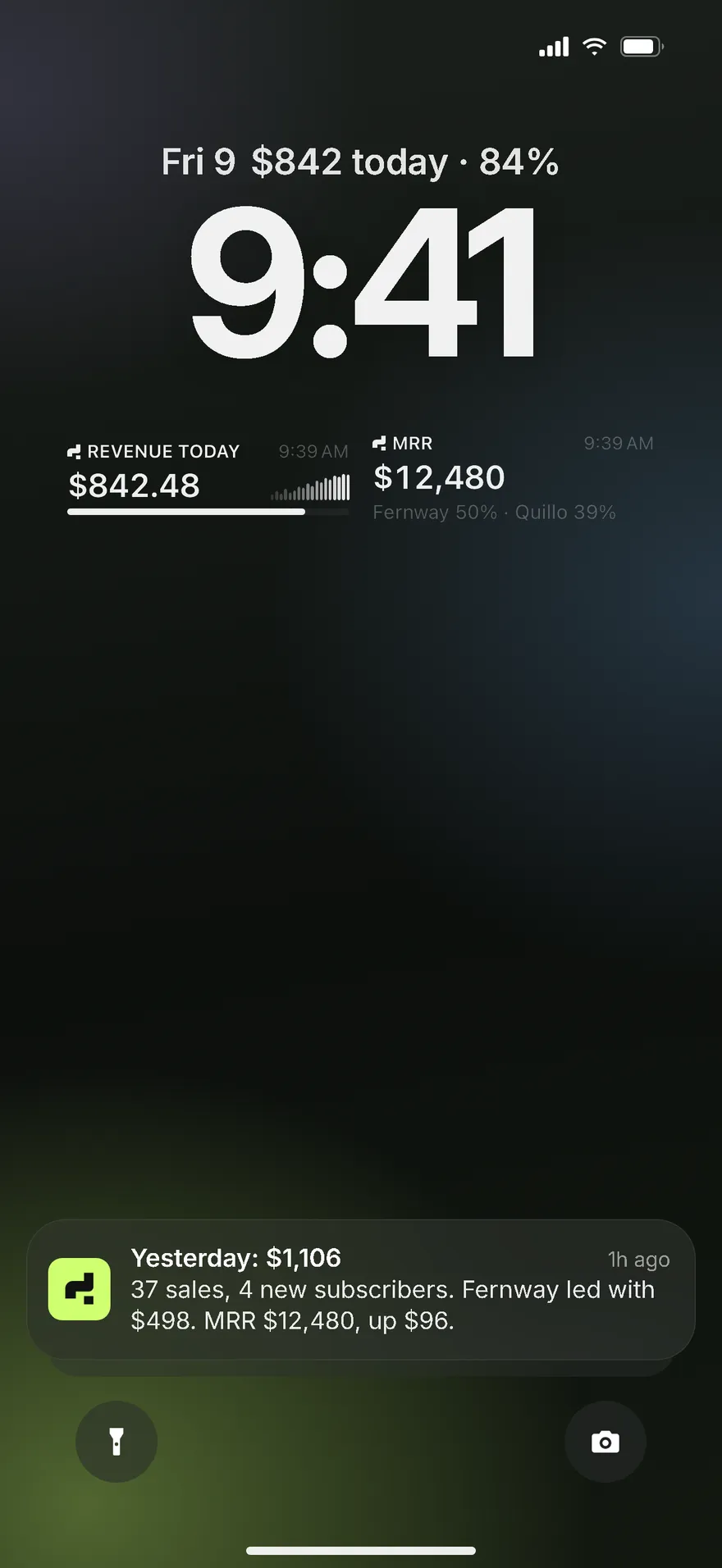
Yesterday: $1,1061h ago
37 sales, 4 new subscribers. Fernway led with $498. MRR $12,480, up $96.
iPhone widgets
Tivro’s widgets put today’s revenue and your MRR on your iPhone’s Home Screen, Lock Screen and StandBy, from every business you run. They update by themselves, and each one can hide its amounts.

Free download. Explore with sample data, then 14 days free.
Or scan with your
iPhone’s camera
Widgets
Today and MRR on your Home Screen, your Lock Screen and in StandBy, updating by themselves. And each morning, yesterday in one quiet note.
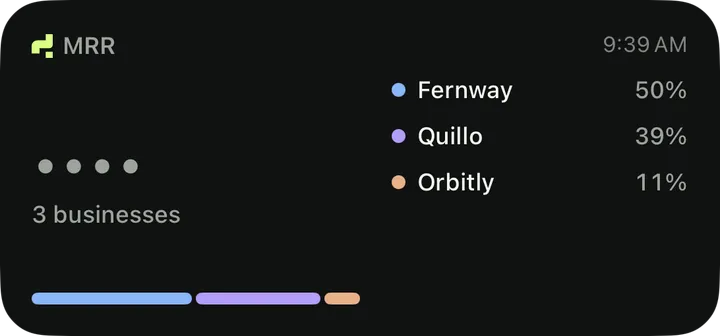
Each widget can hide its amounts, for a desk other people can see.
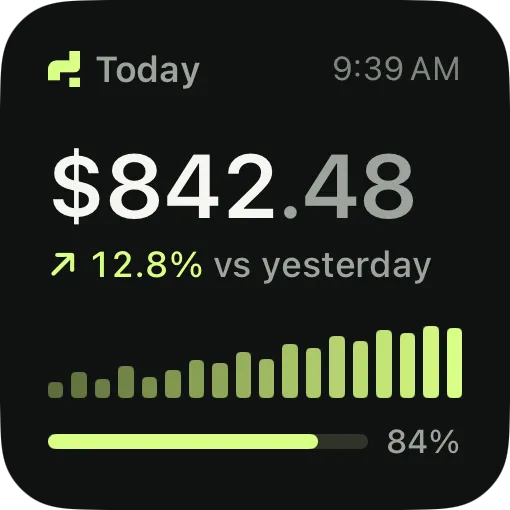

Two widgets
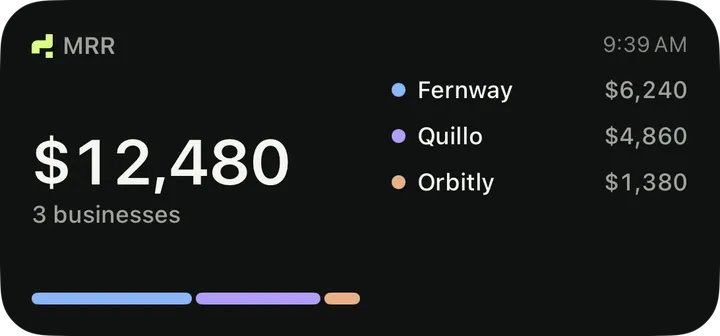
Both widgets come in the sizes below, and work in StandBy when your iPhone charges on its side.
| Widget | Shows | Home Screen | Lock Screen |
|---|---|---|---|
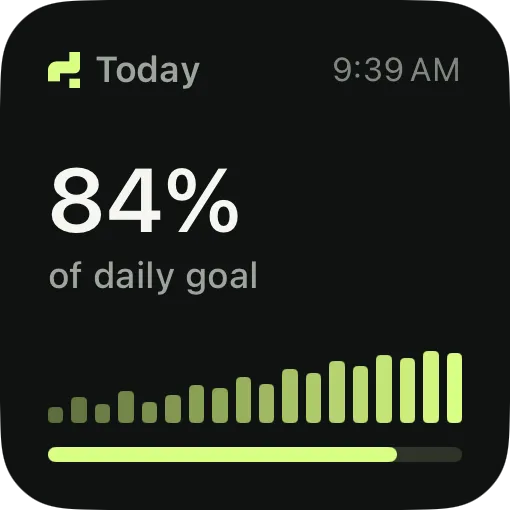
| Revenue today | Today’s revenue, by the hour, and your daily goal | Small, medium | Circular, rectangular, inline |
| MRR | Monthly recurring revenue, and how each business adds to it | Small, medium | Rectangular |
The morning summary. Each morning, one quiet notification with yesterday’s revenue, sales and MRR, at the hour you choose between 5 and 11 AM.
Add a widget
Touch and hold the Home Screen, tap Edit, then Add Widget, and choose Tivro.
Touch and hold the Lock Screen, tap Customize, then the widgets under the clock, and add Tivro.
Touch and hold a Tivro widget, tap Edit Widget and turn on Hide amounts.
Questions
Tivro’s widgets show today’s revenue and MRR from every account you connect, including Stripe, RevenueCat, the App Store, Paddle, Polar and Mollie, on your Home Screen, Lock Screen and in StandBy.
iOS 17 or later. Tivro itself runs on iOS 15 or later.
They update by themselves through the day, as often as iOS allows, and each one shows when its numbers were last updated. Opening Tivro refreshes them straight away.
Yes. Touch and hold a Tivro widget, tap Edit Widget and turn on Hide amounts. The widget then shows your progress towards your daily goal without the revenue, for a desk other people can see.
Yes. Touch and hold your Lock Screen, tap Customize, then the widgets under the clock, and add Revenue today or MRR. Revenue today also fits in the line above the clock.

Tivro for iPhone and Apple Watch.
Free download. Explore with sample data, then 14 days free.
Or scan with your
iPhone’s camera